Hey fellow Tarnished! Let's talk about something that's been on my mind lately – squeezing every last drop of performance out of Elden Ring Nightreign. I know a lot of us are still rocking those trusty mid-range GPUs from the last generation, and honestly, the RTX 4060 and 4060 Ti are absolute workhorses for this title. It's 2026, and while everyone's chasing the latest and greatest, I'm here to tell you that these cards still have plenty of life left in them, especially for a game like this. The beauty of Nightreign is that it's built on the same foundation as the 2020 original, which means it's not some unoptimized monster that demands the most expensive hardware. It's a game that respects your setup, you know? It's locked at a smooth 60 FPS, and with the right settings, hitting that target is a walk in the park.
I've spent more hours than I care to admit tweaking and testing to find the perfect balance of visual fidelity and performance for these two GPUs. And let me tell you, the results are pretty sweet. Whether you're a 1080p purist or have your sights set on 1440p, I've got you covered. So, grab your flask, settle in, and let me walk you through the ideal settings to make The Lands Between look and run its absolute best.
🎯 The RTX 4060 8 GB: A 1080p Powerhouse (That Can Do More!)
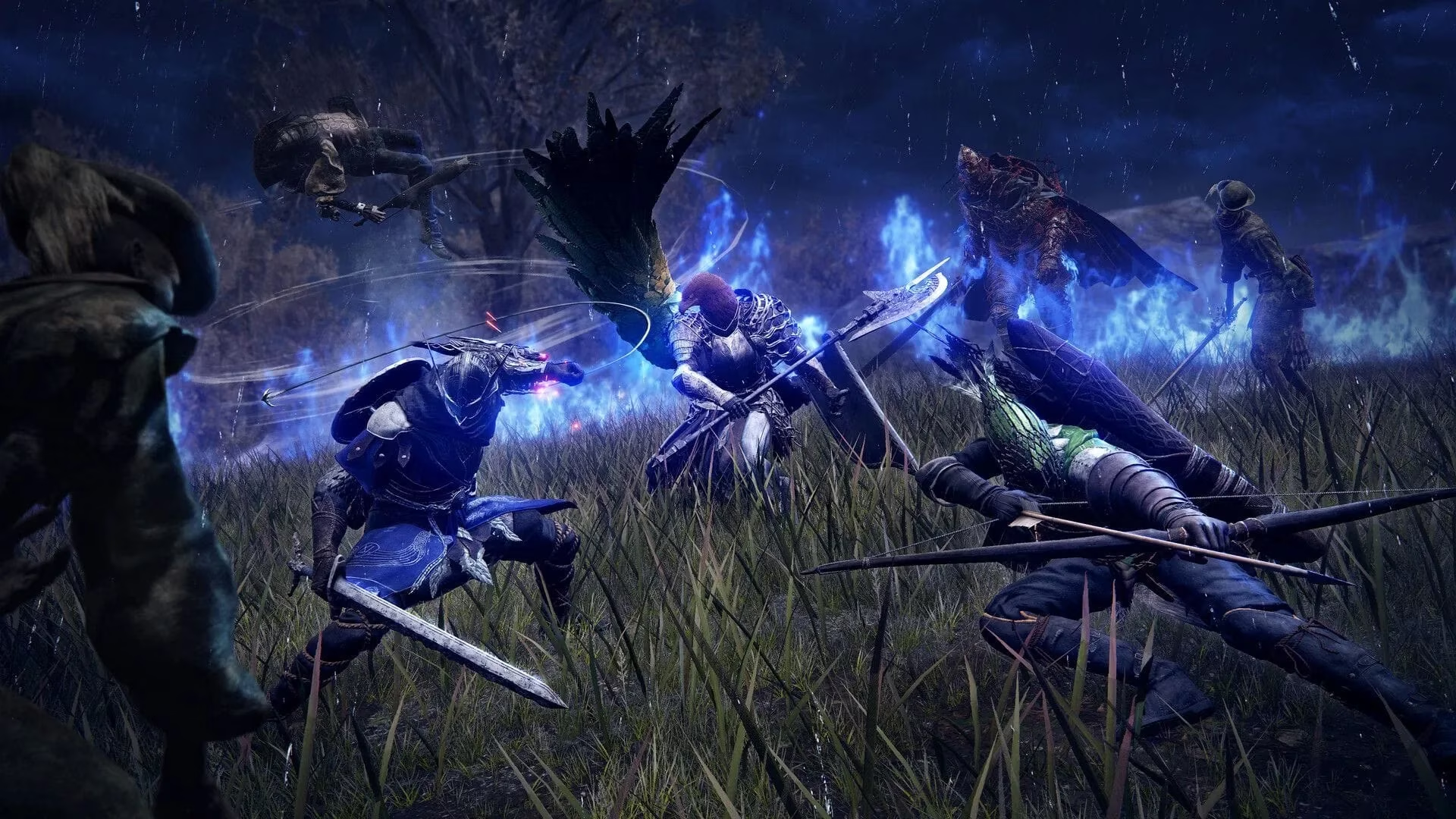
Let's start with the little engine that could, the RTX 4060 8 GB. Nvidia marketed this card for premium 1080p gaming, and boy, does it deliver on that promise for Nightreign. You can crank everything to the max at 1080p and enjoy a perfectly locked 60 FPS experience. It's buttery smooth.
But here's the fun part – this card has a bit of a secret. It can actually handle 1440p with the highest settings too! I was genuinely surprised. Since the game doesn't have ray tracing or DLSS (which honestly doesn't matter with the 60 FPS cap), the 4060 just focuses on pure rasterization power and gets the job done. It's like finding out your reliable old sword has a hidden magical property. Here are the exact settings I use for the best visual experience:
Display Settings:
-
Screen Mode: Fullscreen (always for best performance)
-
Display Output: Native display
-
Limit Mouse Movement: On (trust me, this helps)
-
Resolution: 1920 x 1080 (or 2560 x 1440 if you're feeling adventurous!)
-
Auto-detect best rendering settings: Off (we're doing this manually for precision)
Quality Settings (All Set to Maximum/High):
| Setting | Recommended Level |
|---|---|
| Texture Quality | Maximum 🏆 |
| Antialiasing Quality | High |
| SSAO | Maximum 🏆 |
| Depth of Field | Maximum 🏆 |
| Motion Blur | High (personal preference, can be turned off) |
| Shadow Quality | Maximum 🏆 |
| Lighting Quality | Maximum 🏆 |
| Effects Quality | Maximum 🏆 |
| Volumetric Lighting Quality | Maximum 🏆 |
| Reflection Quality | Maximum 🏆 |
| Water Surface Quality | High |
| Shader Quality | High |
| Global Illumination Quality | High |
| Grass Quality | Maximum 🏆 |
With this setup, the game looks absolutely stunning. The textures are crisp, the shadows are deep and realistic, and the lighting... oh man, the lighting in the new dungeons just pops. You're not making any real compromises.
⚡ The RTX 4060 Ti (8GB & 16GB): Stepping Up to 1440p Glory
Now, if you've got the 4060 Ti, you've got a bit more muscle under the hood. Whether you have the 8GB or the 16GB model, the extra rendering power is your ticket to a sublime 1440p experience. Sure, you can play at 1080p and have an incredibly stable frame time, but that feels like bringing a rocket launcher to a knife fight. To truly utilize what this card offers, 1440p is the sweet spot.
The performance is rock-solid. I'm talking a locked 60 FPS that doesn't stutter, even in the most chaotic battles with multiple enemies and spell effects flying everywhere. It's so stable it's almost boring – in the best way possible. No surprises, no sudden frame drops when a dragon breathes fire. Just pure, consistent gameplay.
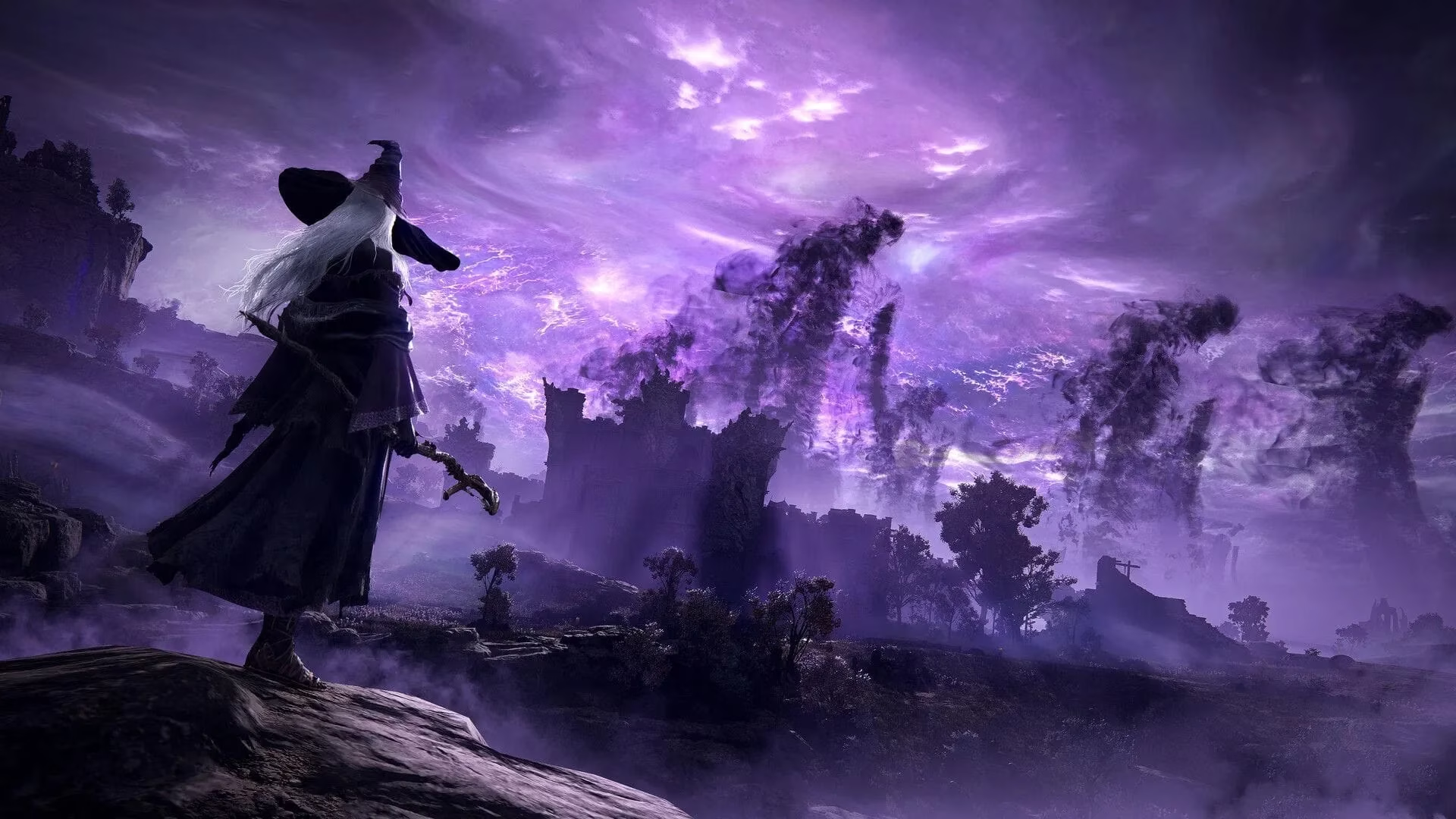
Here's my recommended configuration for the 4060 Ti. You'll notice the settings are mostly maxed out too, but we're pushing a higher resolution:
Display Settings:
-
Screen Mode: Fullscreen
-
Display Output: Native display
-
Limit Mouse Movement: On
-
Resolution: 2560 x 1440 (This is the key change!)
-
Auto-detect best rendering settings: Off
Quality Settings:
-
Texture quality: Maximum
-
Antialiasing quality: High
-
SSAO: Maximum
-
Depth of field: Maximum
-
Motion blur: High
-
Shadow quality: Maximum
-
Lighting quality: Maximum
-
Effects quality: Maximum
-
Volumetric lighting quality: Maximum
-
Reflection quality: Maximum
-
Water surface quality: High
-
Shader quality: High
-
Global illumination quality: High
-
Grass quality: Maximum
At 1440p, the increased pixel density makes the world feel so much more immersive. The jagged edges are gone, environmental details are sharper, and you get a clearer view of... well, all the ways the game is trying to kill you. It's a fantastic experience.
🧠 Final Thoughts & Why This All Works So Well
Look, at the end of the day, both the RTX 4060 and 4060 Ti are more than capable for playing the latest AAA titles, even in 2026. But Elden Ring Nightreign is a special case. Its optimization is top-notch, and being built on a 2020 game engine works in our favor. The developers knew what they were doing; they expanded the world without breaking the foundational performance.
It's a reminder that you don't always need the most cutting-edge hardware for a premium experience. With the settings I've laid out, you can expect:
-
A smooth, locked 60 FPS with zero major hiccups.
-
Maximum visual quality at your target resolution.
-
A stable and consistent gameplay session, whether you're exploring or fighting a boss.
So, don't feel pressured to upgrade just yet. Your 60-class Ada Lovelace GPU is still a champion in The Lands Between. Tweak these settings, jump in, and enjoy the journey. After all, the real challenge should come from Malenia, not your frame rate. 😉 Good luck, and praise the sun (or the moon, in this case)!